


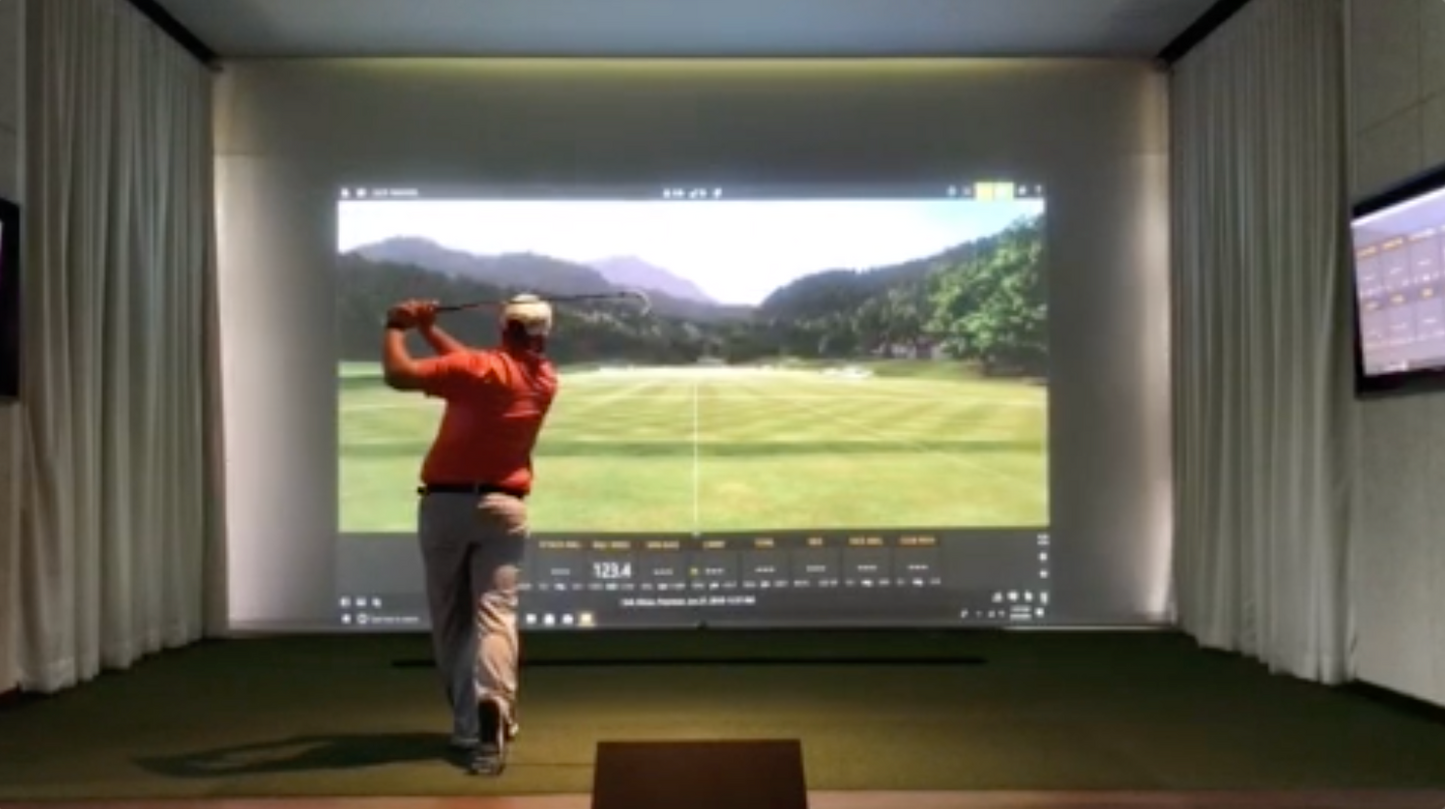
Custom Made to Fit Your Space
Our easy to install, motorized golf impact screens are custom made to fit virtually any opening.

Width refers to the total end-to-end measurement of the unit, made to the nearest 1/8”.
Surface Mount:
For wall-mounted installations, measure your opening width and add at least 5 ¾" to allow room for sidetrack mounting and proper coverage. This ensures the screen clears the opening and the sidetracks can be securely mounted.
Inside/Recessed Mount:
For installations inside an opening or frame, measure the width at the top, middle, and bottom of the space. Use the narrowest measurement of the three. The unit will be made 1/8" narrower than ordered to allow for smooth fitting and adjustment.
Drop is measured from the top of the cassette box to the bottom of the hem bar.
Surface Mount:
To find the drop (height) for a surface mount, measure vertically at the left , center, and right of your opening. Add 10 ⅛” to the largest measurement.
Inside Mount:
Measure the total space from the bottom of the header/opening to the floor. Note that installation will reduce overhead clearance by approximately 5" (cassette) and an additional 2" when the hem bar is fully retracted.
All visible aluminum components–including the housing/cassette, sidetracks, and hem bar–are powder-coated. Choose from the available standard and premium finishes to match your exterior design.
Single Channel Remote:
Indoor-rated handheld remote that operates a single screen or multiple screens simultaneously within a 50 ft range. Compact and easy to use, this controller is ideal for single-zone operation. Store indoors away from weather exposure.
Indoor Mounted Wireless Single Channel Wall Switch
A fixed, wall-mounted single channel switch installed indoors–no hardwiring or wall cutting required. Functions like a dedicated remote you’ll never misplace. Ideal for easy operation from inside the home.
Somfy TaHoma Software Interface System
For complete automation and smart control, the TaHoma interface allows operation of your screens (and other Somfy RTS motorized products) directly from your smartphone or tablet. Using the Somfy app, you can create custom schedules, group commands, and multi-room scenes. Compatible with most home automation systems for seamless integration and hands-free operation.
The motor or manual gear can be positioned on either side of the unit. “Right” and “Left” are determined when facing the unit from the front (cassette opening side).
For inside mounts, note that reversing the orientation (cassette facing inward) also reverses the drive side. If ordered incorrectly, it can be adjusted before installation.
Choose the preferred location for the power cord based on your home’s setup.
Our easy to install, motorized golf impact screens are custom made to fit virtually any opening.

Every Screen Shot Golf Retractable Impact Screen is built to order, with a wide range of configuration options to fit your space, usage, and installation requirements.

Available in multiple cassette sizes and widths up to 22 feet, each system is built to your exact dimensions.